
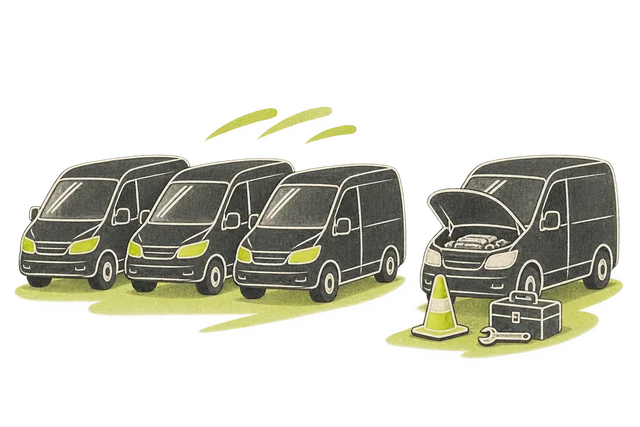
Availability
We connected the fleet availability view to a repair authority and a downtime record.
View the screen ↓
We connected the fleet availability view to a repair authority and a downtime record.
A held vehicle has a reason, and the person reviewing it can move directly into the work being considered.
A vehicle's availability depends on both its repair state and the authority to proceed. A downtime record alone cannot explain why work is waiting.
The estimate sits in a lighter document view against the operational status screen. We used that change in density to support careful reading before an authorisation decision. Downtime remains part of the vehicle history rather than disappearing when a repair is proposed.
The build brings availability, repair authority and downtime record into one workspace.
We connected the fleet availability view to a repair authority and a downtime record.
View the screen ↓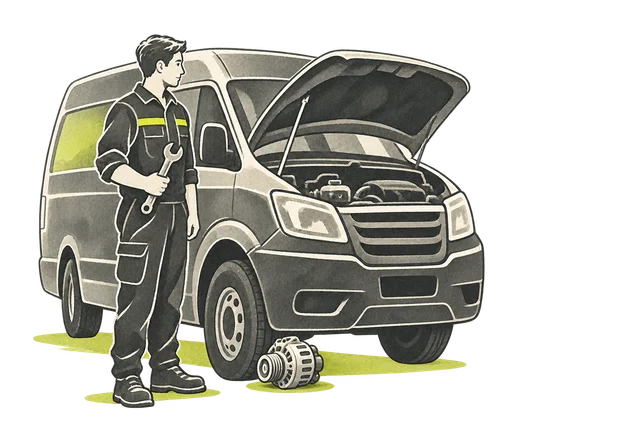
Presents the proposed repair and itemised estimate beside the vehicle awaiting authorisation.
View the screen ↓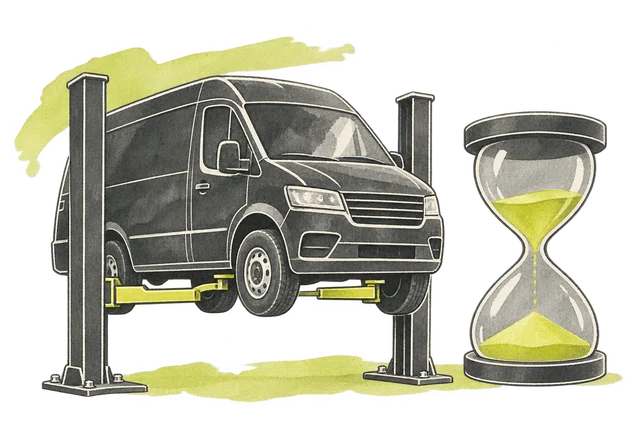
One held vehicle. A recorded cause, an accountable decision and a conditional next step.
View the screen ↓Explore the interface, from the first impression to the finer details.
Choose a view to enlarge ↓Tell us what your customers or team need to do. We can help define the pages, records and interactions around that task.

