
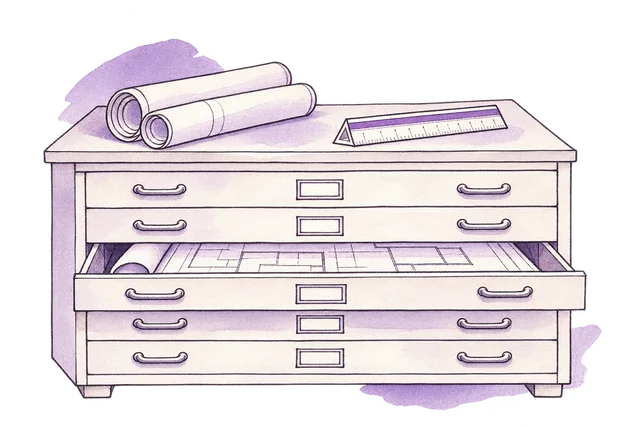
Project document index
We designed the drawing-review workspace around a plan comparison, a review history and a transmittal register.
View the screen ↓
We designed the drawing-review workspace around a plan comparison, a review history and a transmittal register.
A reader can inspect the changed drawing while retaining the record of how it reached the reviewer.
A drawing can be received without being approved. Reviewers need to see the current revision, the change and the remaining comment.
The comparison follows drawing A–102 from revision B to C, moving the entrance from the south to the east while retaining the reception, meeting rooms and workroom. Revision, receipt and approval have separate states: the transmittal confirms delivery, while the open review comment still needs a response. The current drawing and the decision history remain connected.
The build brings project document index, a–102 drawing review, revision B to C comparison, drawing review history and drawing transmittal register into one workspace.
We designed the drawing-review workspace around a plan comparison, a review history and a transmittal register.
View the screen ↓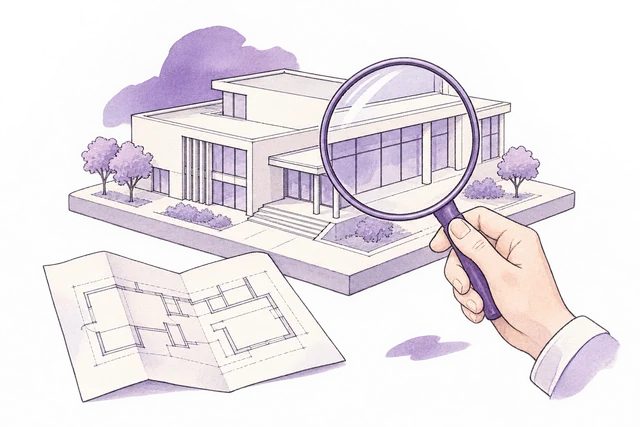
Places drawing A–102 beside its current review comment and response controls.
View the screen ↓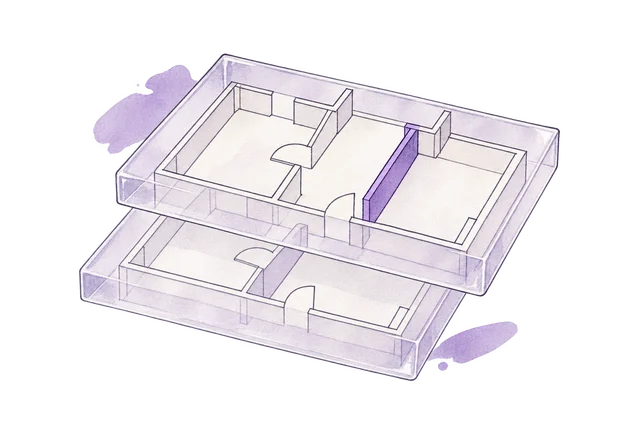
Revision B is superseded. Revision C is the current review copy; no construction issue has been made.
View the screen ↓
Preserves revision and review events while keeping the outstanding comment visible.
View the screen ↓
The record confirms the set was received. The separate review disposition remains open until the comment has been resolved.
View the screen ↓Explore the interface, from the first impression to the finer details.
Choose a view to enlarge ↓Tell us what your customers or team need to do. We can help define the pages, records and interactions around that task.


