
Equipment and rental desk
We built the rental desk around reservations, returns and a condition record.
View the screen ↓
We built the rental desk around reservations, returns and a condition record.
The operator can see where equipment is in its rental cycle without using one status to cover several different events.
Returned equipment should not become available simply because it is back on site. Condition and reservation state need separate records.
Quarantined equipment remains separate from stock that can be reserved again. We kept the condition review attached to the return so physical arrival would not automatically restore availability. The interface illustrates that administrative distinction through linked inventory records.
The build brings equipment and rental desk, reservation schedule, dispatch manifest, return condition review, lW–007 equipment condition and stock utilisation report into one workspace.
We built the rental desk around reservations, returns and a condition record.
View the screen ↓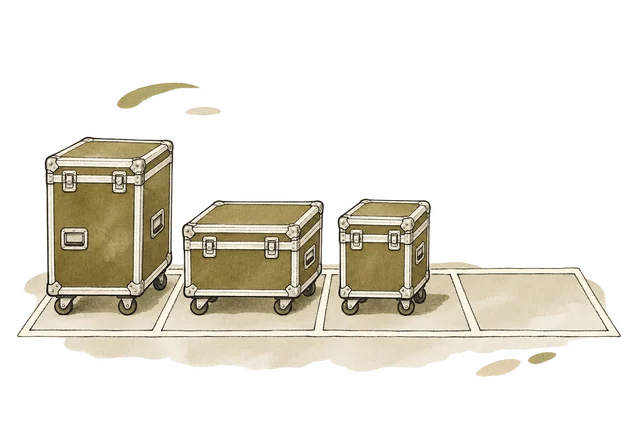
Keeps “Equipment”, “26 Mon”, “27 Tue” and “28 Wed” together for comparison and review.
View the screen ↓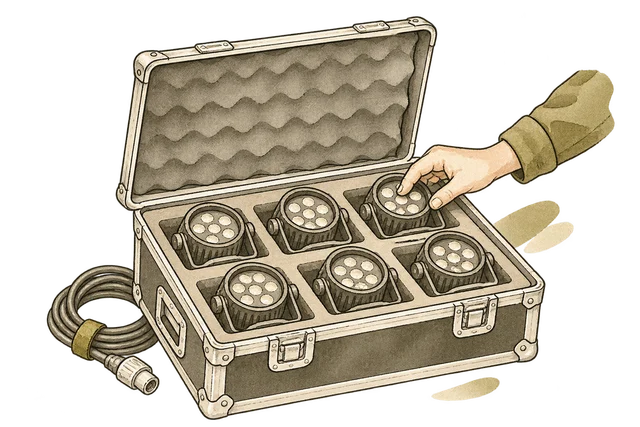
Counts and visible condition were recorded at release. The return inspection is a separate record; a signed dispatch count does not establish returned condition.
View the screen ↓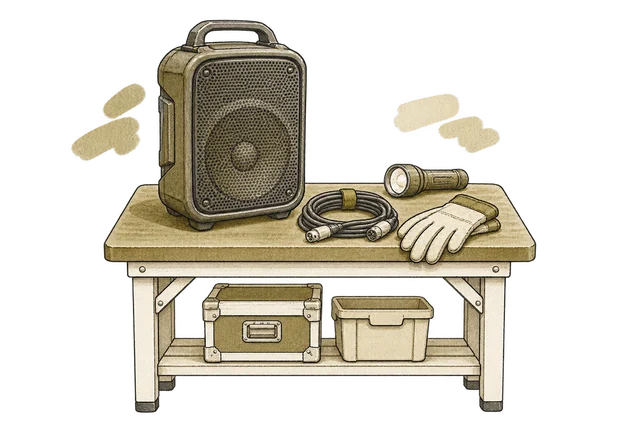
Keeps “Equipment”, “Out”, “Received” and “Cleared” together for comparison and review.
View the screen ↓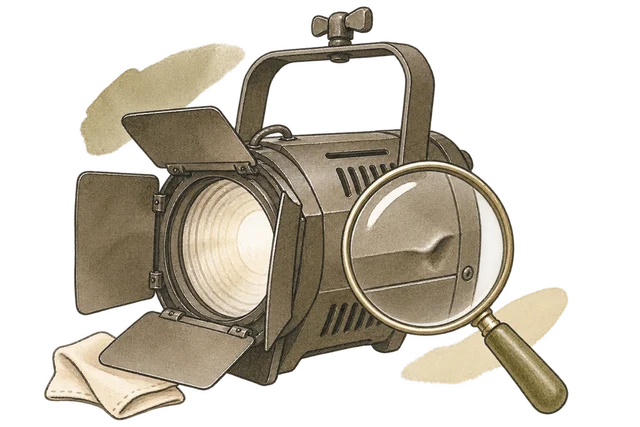
The catalogue image identifies the equipment family. The damage observation below is a seeded inspection note, not photographic evidence.
View the screen ↓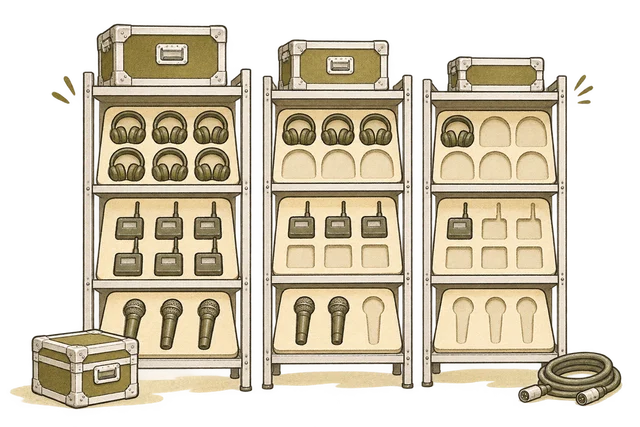
A current snapshot of the three equipment families in the Harbour Sessions hire.
View the screen ↓Explore the interface, from the first impression to the finer details.
Choose a view to enlarge ↓Tell us what your customers or team need to do. We can help define the pages, records and interactions around that task.


