
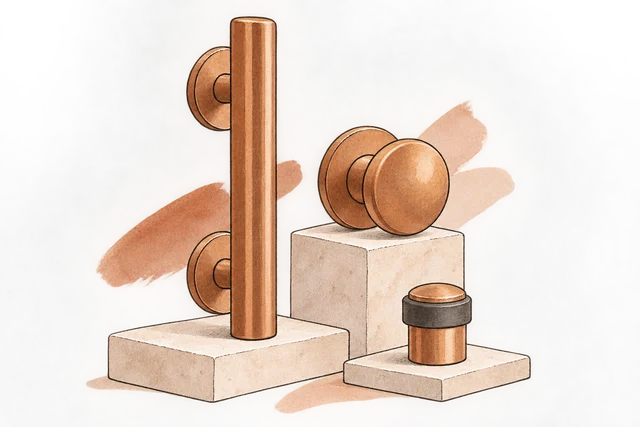
Trade project desk
We made the trade quotation product-led, with finish imagery beside the itemised proposal.
View the screen ↓
We made the trade quotation product-led, with finish imagery beside the itemised proposal.
A buyer can inspect the selected hardware before comparing the revised offer.
A changed trade quotation needs to explain the differences in scope and price, not simply present a new total.
The finish comparison explains the change in the quotation instead of leaving two totals to speak for themselves. We kept this workspace focused on a commercial revision, distinct from a routine reorder screen.
The build brings trade project desk, hawthorn House quotation and quotation review into one workspace.
We made the trade quotation product-led, with finish imagery beside the itemised proposal.
View the screen ↓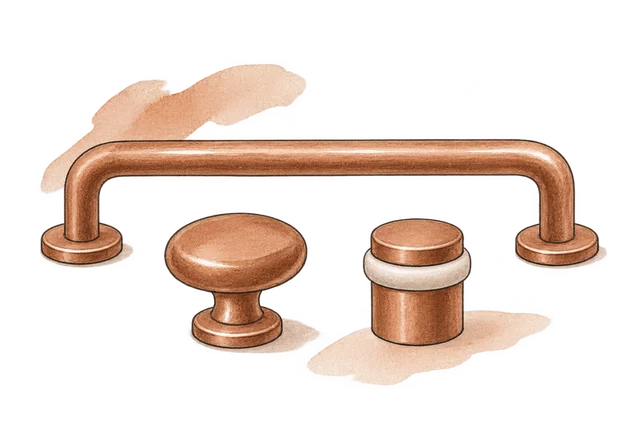
A consistent finish across the pull, the knob and the stop.
View the screen ↓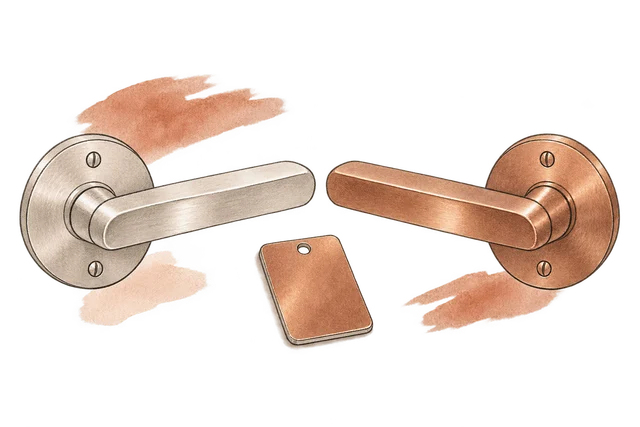
Same quantities. Same delivery scope. New finish and unit prices.
View the screen ↓Explore the interface, from the first impression to the finer details.
Choose a view to enlarge ↓Tell us what your customers or team need to do. We can help define the pages, records and interactions around that task.

