

Project timeline
We designed the landscape portal as a field journal, with a vertical date rail and photographic stage records.
View the screen ↓
We designed the landscape portal as a field journal, with a vertical date rail and photographic stage records.
The current work can be read alongside what has already happened.
Weather can change a landscape programme without changing the original intent. The client needs to see why work moved and what follows.
The weather-revision strip explains a changed programme without replacing the original sequence. We carried the project into aftercare guidance and a request page, giving the client continuity after the planting stage. The dated weather record explains the programme revision.
The build brings project timeline, planting stage, weather revision, aftercare request, aftercare guide and completed work gallery into one workspace.
We designed the landscape portal as a field journal, with a vertical date rail and photographic stage records.
View the screen ↓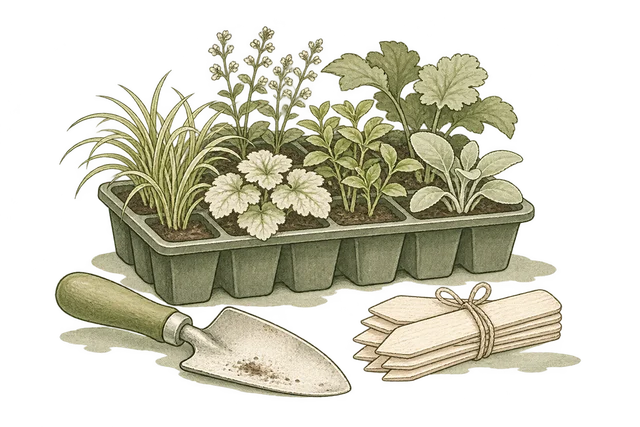
Keeps “Plant group”, “Quantity”, “Location” and “Record” together for comparison and review.
View the screen ↓
Iona recorded wet site conditions and paused the planned planting attendance.
View the screen ↓
Name the garden area, what changed and when you noticed it. Iona will review the observation alongside the handover notes.
View the screen ↓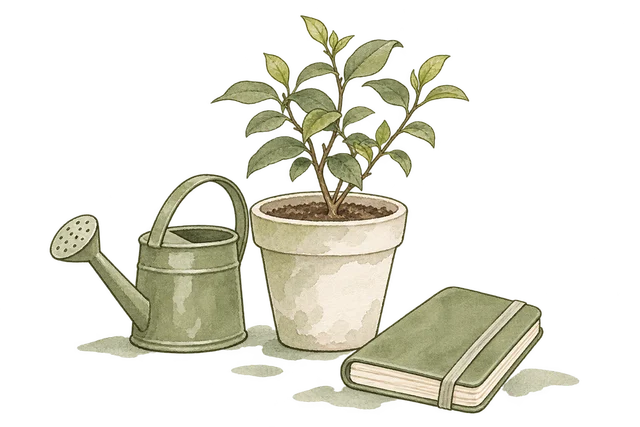
Check the planting areas regularly and note visible changes. Use the project record to describe a concern rather than changing the agreed care routine without discussion.
View the screen ↓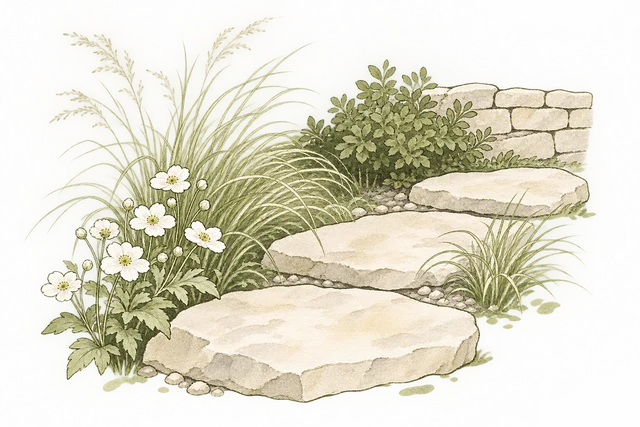
Limestone stepping stones define the route. Grasses and white flowering perennials soften its boundary, with low shrubs along the wall.
View the screen ↓Explore the interface, from the first impression to the finer details.
Choose a view to enlarge ↓Tell us what your customers or team need to do. We can help define the pages, records and interactions around that task.


