

Dock receiving desk
We connected the receiving desk to a purchase-order reconciliation and a corrected receipt.
View the screen ↓
We connected the receiving desk to a purchase-order reconciliation and a corrected receipt.
The line-level view makes it possible to inspect the count rather than rely only on the delivery total.
The stock record should follow the reconciled receipt, not just the supplier's expected delivery.
We kept rejected and accepted quantities separate before showing the corrected stock position. The product photograph supplies a visual reference; it is not evidence of the recorded delivery or damage. The local interface does not update an inventory system.
The build brings dock receiving desk, purchase order reconciliation and corrected stock receipt into one workspace.
We connected the receiving desk to a purchase-order reconciliation and a corrected receipt.
View the screen ↓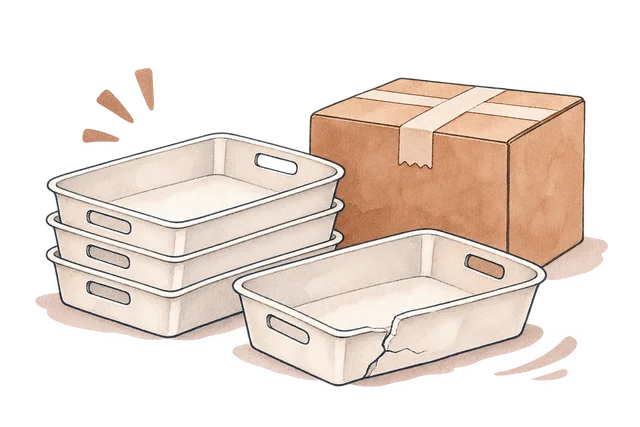
Harbour Supply confirmed replacements for the six short and four damaged trays.
View the screen ↓
Provisional accepted count. Condition check not yet applied.
View the screen ↓Explore the interface, from the first impression to the finer details.
Choose a view to enlarge ↓Tell us what your customers or team need to do. We can help define the pages, records and interactions around that task.

